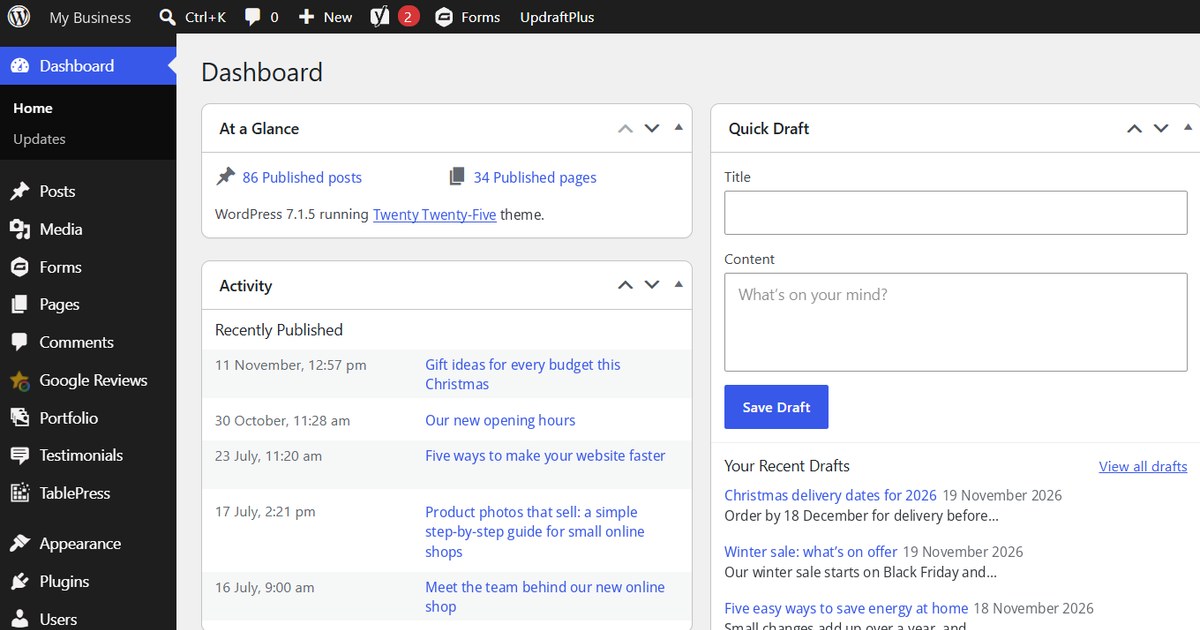
WordPress sites are often hidden from AI tools by a plugin setting, not a decision. Check that robots.txt, your security plugin and Cloudflare aren’t blocking AI crawlers; that Yoast or Rank Math outputs correct Organization schema; and that your About, contact and service pages clearly say who you are, where you work and what you sell.
The nine checks
- robots.txt. Visit yoursite.co.uk/robots.txt. Look for “Disallow” lines under GPTBot, OAI-SearchBot, PerplexityBot, ClaudeBot or Google-Extended. Remove them unless you deliberately want to block AI.
- Security plugin. Wordfence and other security plugins can block or rate-limit bots. Check the blocking rules.
- Cloudflare. The “Block AI bots” setting is easy to switch on by mistake. Check the bot settings in your Cloudflare dashboard.
- “Discourage search engines” tick box. Settings > Reading. It should be unticked on a live site (it gets left on after site moves more often than you’d think).
- Organization schema. In Yoast (Settings > Site representation) or Rank Math: correct business name, logo and social profiles.
- One consistent business description. The same one sentence on your homepage, About page, Google Business Profile, LinkedIn and directories.
- Service pages that answer questions. Start each page with two or three sentences that say what the service is, who it’s for, the price or price range, and where you work.
- FAQ sections. Real questions from customers, answered in plain English.
- Dates and freshness. Show “last updated” dates on key pages and keep your blog current.
Then check whether AI names you
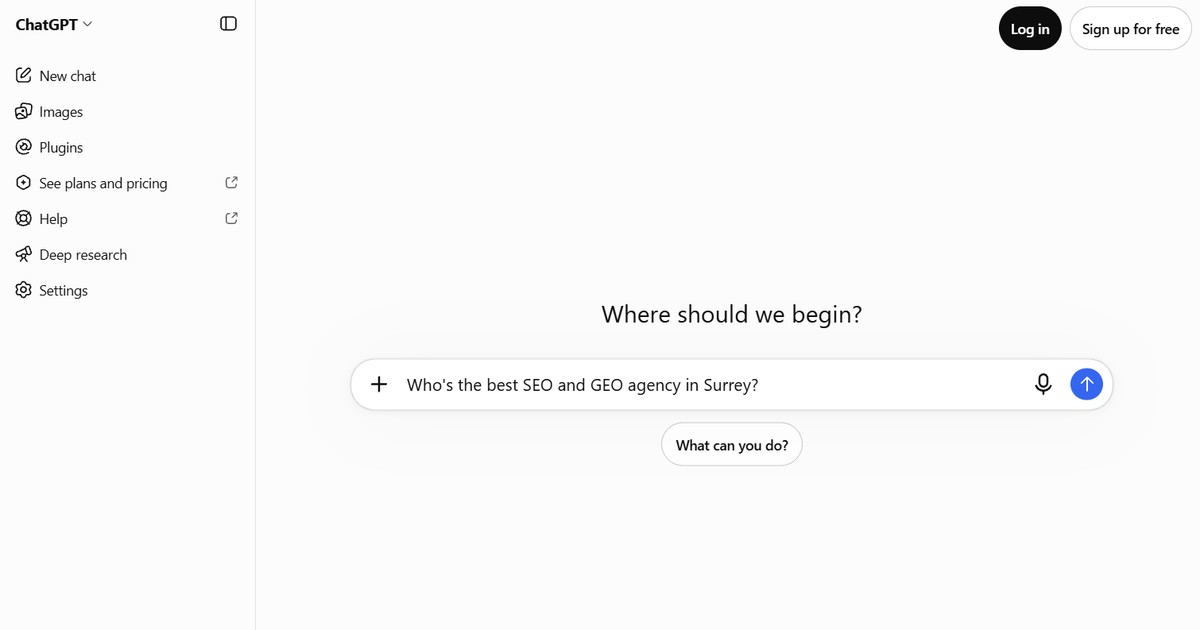
Ask ChatGPT, Gemini and Perplexity the questions your customers ask. Note who’s named. Repeat next month. Or have us check 20+ questions across six AI tools.
We’re WordPress specialists, so we can also make the fixes for you.